Home » Installing the VFD » Unboxing » Packaging » Catalog part number and Nameplate Check
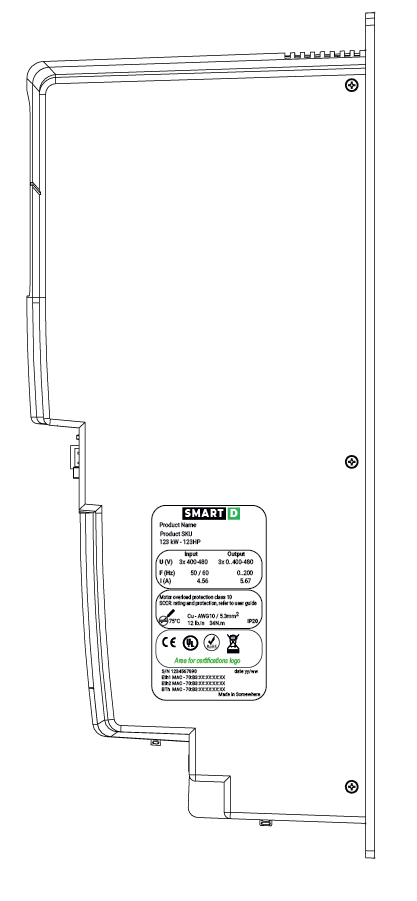
The product name and specifications are detailed on the nameplate. Ensure that the model received is the correct one by checking the information on the nameplate.
If the model received is not the correct one, contact the supplier.
Check the product specification before installing the product and make sure that it is suitable for the intended use.
Always select the motor that fits your application first and then select the appropriate Clean Power VFD.
Verify that the motor you are using fits your application: check what kind of load is to be driven, calculate its moment of inertia, and check that the motor capacity matches these criteria. If you have any doubts or need some support, do not hesitate to call your motor manufacturer or its local representative
To select a Clean Power VFD: check the operation requirements (acceleration time, deceleration time, and frequency in operation) of the load to be driven by the motor selected above. The Clean Power VFD capacity must be defined in regards to current and overload capacity, not power.
If you have some doubts about your selected Clean Power VFD vs your application, please check the guideline for selecting VFD on SmartD Technologies website.
The Clean Power VFD nameplate is located on the right side of the device: