Home » Starting procedures » Get the mobile App
Get the smartphone App to configure your Clean Power VFD.
Phone requirements:
- Android phone with firmware version 9 or higher,
- iOS phone with firmware version 13.4 or higher.
The Clean Power VFD Application app can be downloaded with any of the methods below:
-
Scan the QR code displayed on the Clean Power VFD's HMI screen, this will bring you to the Google Play Store or Apple Store for App downloading.
-
Click on the below badge for ios users

- Click on the below badge for Android users
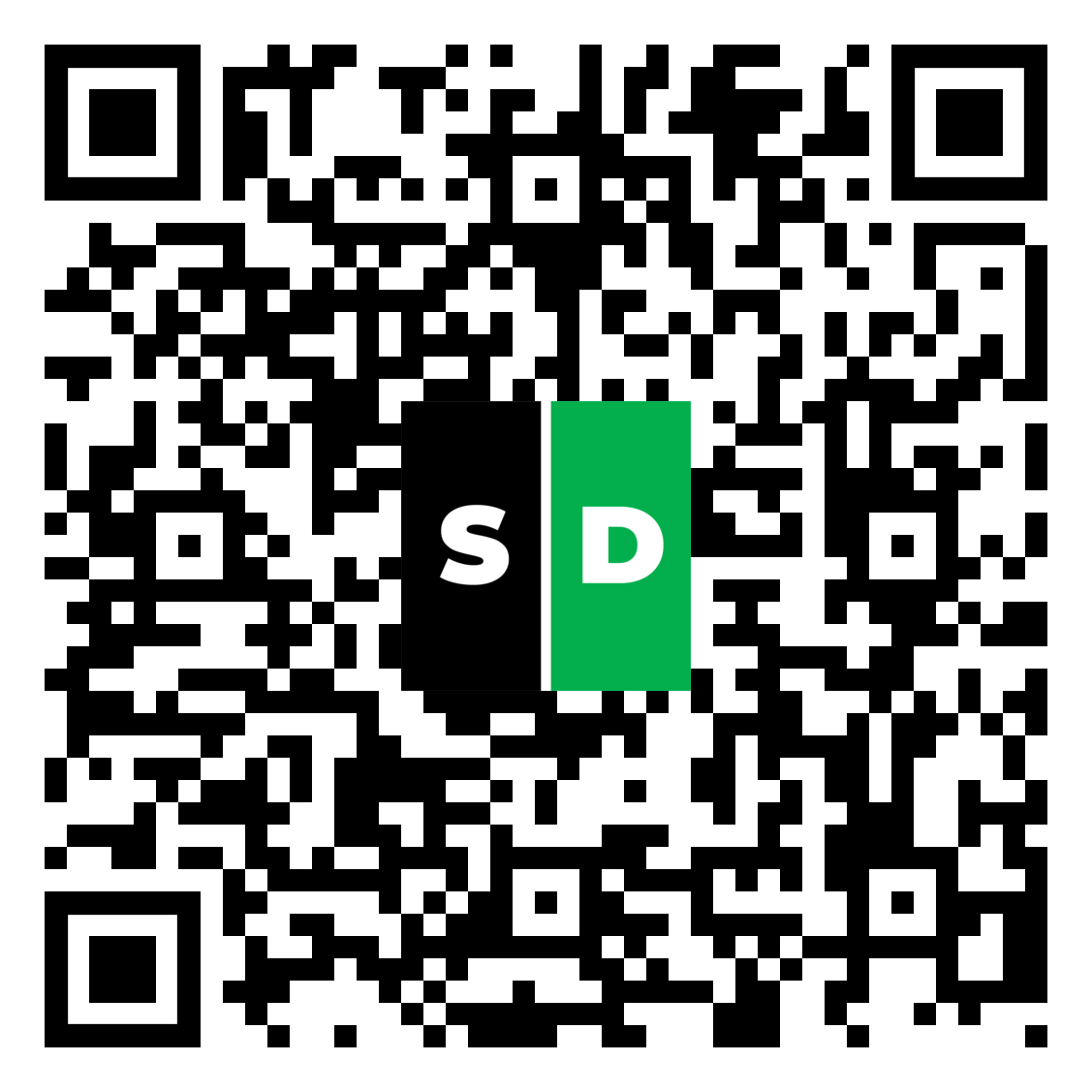
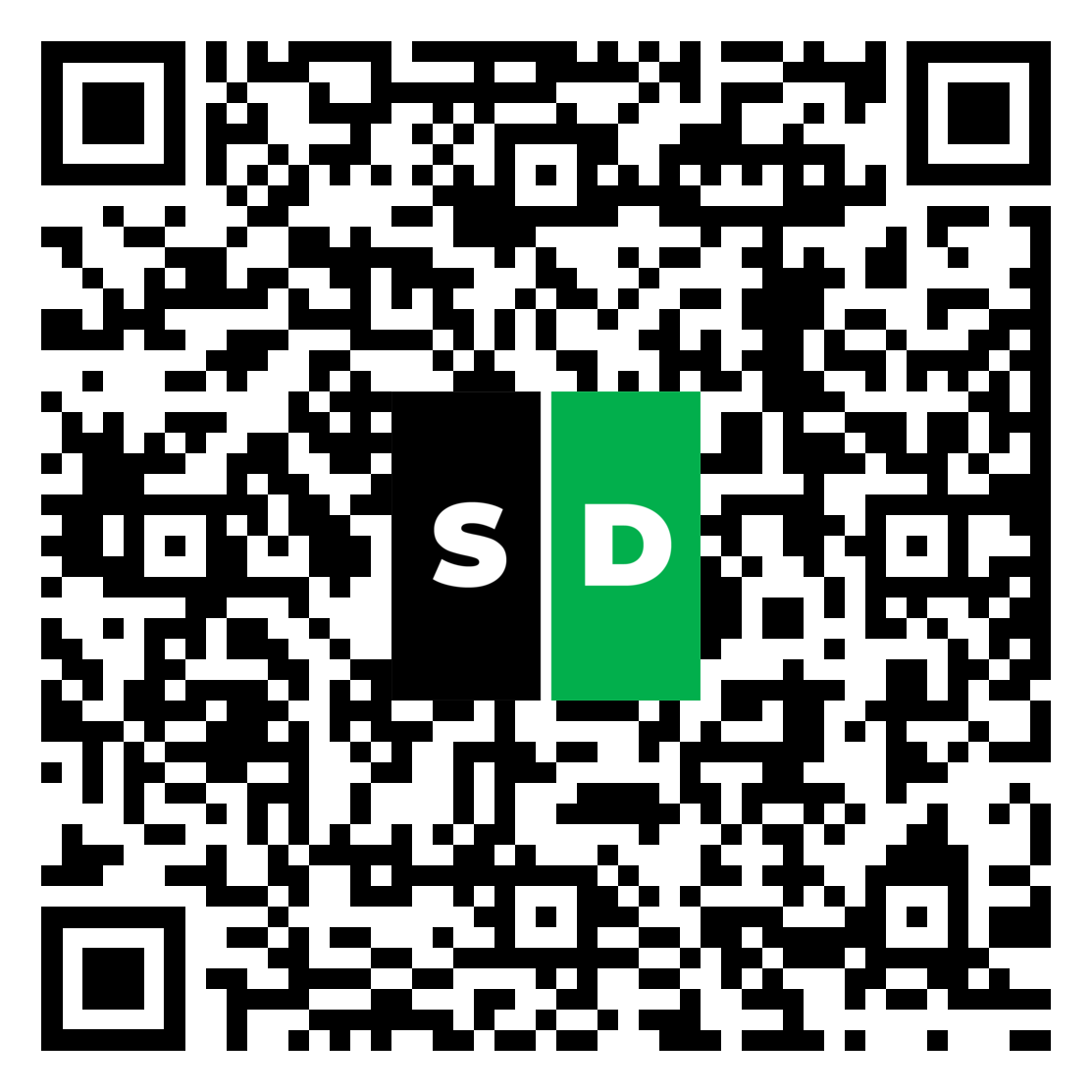
- or scan the following QR code with your cell phone:
Apple store:
Google Play:

On first launch, the app will ask for two permissions so it can find and connect to your device over Bluetooth:
-
Bluetooth access
-
Location (on iOS and older Android) or Nearby devices (on newer Android)
We only use these to enable Bluetooth. We do not track or store your location.
iOS (first launch)
-
When asked to “Allow Clean Power VFD to use Bluetooth,” tap OK.
-
If you’re also asked for Location, tap Allow While Using App.
-
Keep Bluetooth turned On in Control Center/Settings.
If you tapped “Don’t Allow” by mistake: go to Settings › Clean Power VFD, enable Bluetooth and Location.
Android 12 and newer (first launch)
-
When asked to allow Nearby devices, tap Allow.
-
Keep Bluetooth turned On (Quick Settings).
If you denied it: go to Settings › Apps › Clean Power VFD › Permissions, allow Nearby devices.
Android 11 and earlier (first launch)
-
When asked to allow Location for Bluetooth scanning, tap Allow.
-
Keep Bluetooth turned On (Quick Settings).
If you denied it: go to Settings › Apps › Clean Power VFD › Permissions, allow Location.
Quick check if pairing fails
-
Bluetooth is On and the device is powered/advertising.
-
The required permission is Allowed (see steps above).
-
Toggle Bluetooth off/on and retry.
Privacy note: Location/Nearby Devices is requested only because the operating system requires it for Bluetooth discovery. The app does not collect or store your location.